Templates, Sending, and Deliverability in One Place
Versioned Handlebars templates, a single sending endpoint for transactional and bulk email alike, and domain authentication with automatic suppression handling — Stack9 ships the email infrastructure teams usually assemble from a template tool, a transactional API, and a separate deliverability service.
Everything Between "Compose" and "Delivered"
Versioned templates with Handlebars
Maintain multiple versions of every template, designate which one is active for sending, and personalize HTML and plain text content with Handlebars — clone a template to start the next one faster.
One endpoint for transactional and bulk
Send to a single recipient or up to 5,000 in one call, using either a stored template or inline HTML content — transactional and campaign sends share the same Transmissions API.
Domain authentication, handled
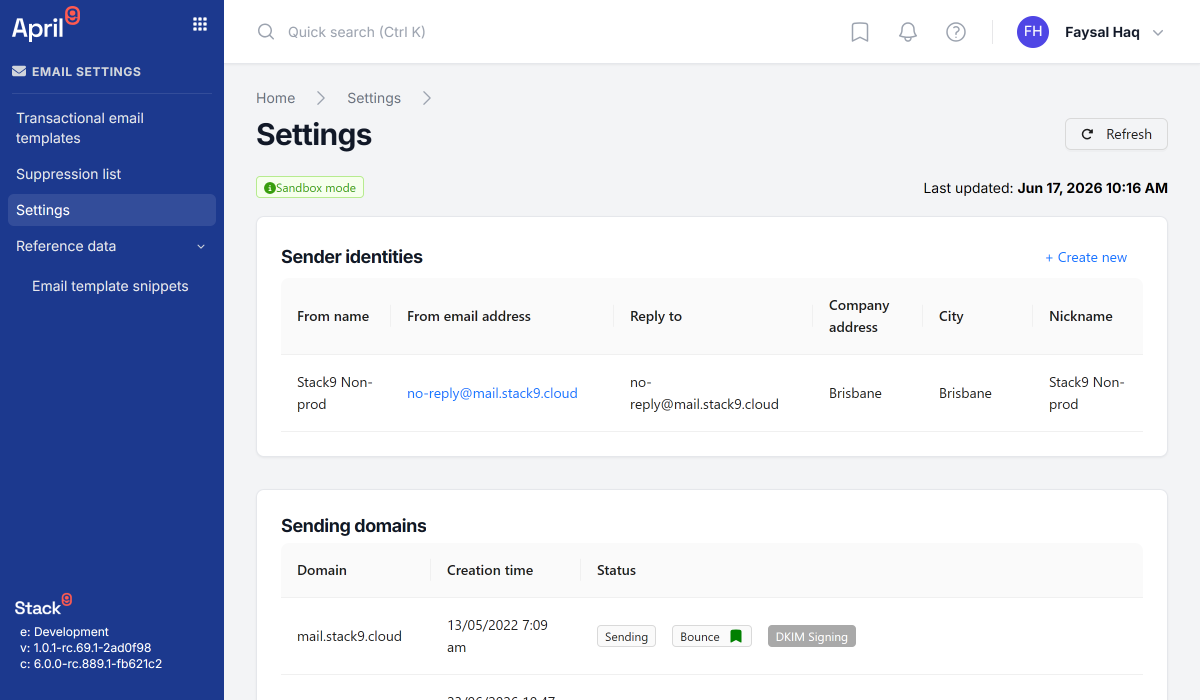
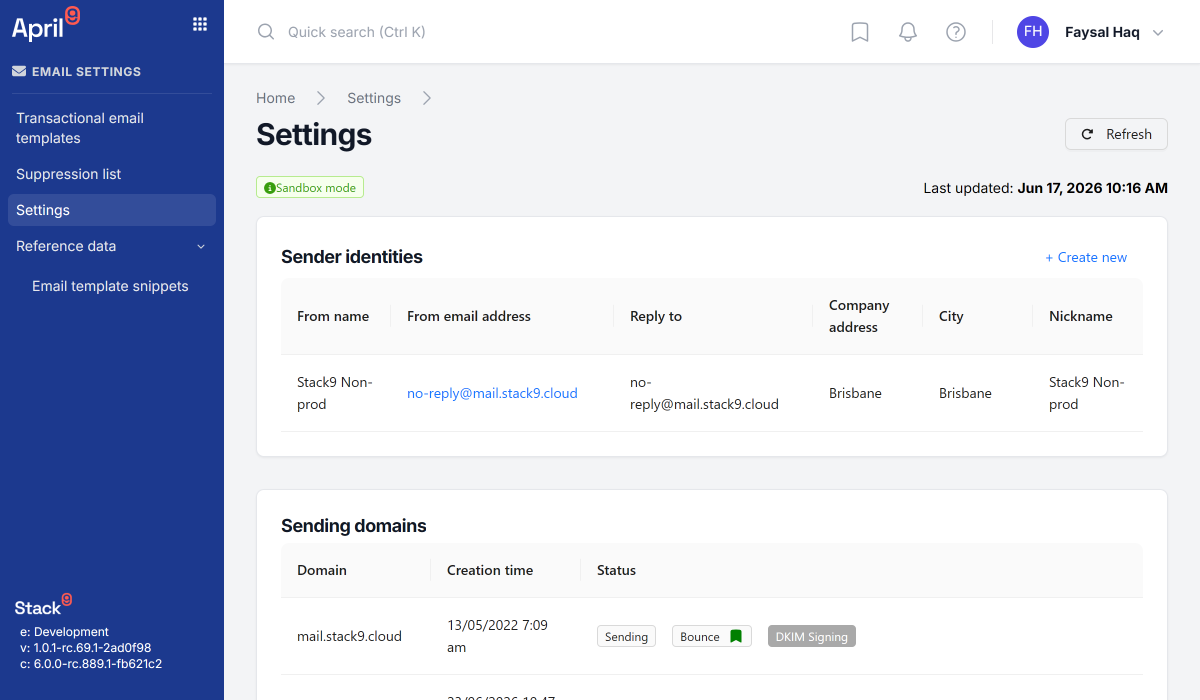
Verify sending domains with SPF, DKIM, and DMARC, and separate marketing from transactional traffic across subdomains to keep sender reputation isolated.
Sender identities that stay on-brand
Register multiple sender identities — from name, from address, reply-to, and compliance address — so every campaign type sends with the right, consistent identity.
Automatic suppression, built in
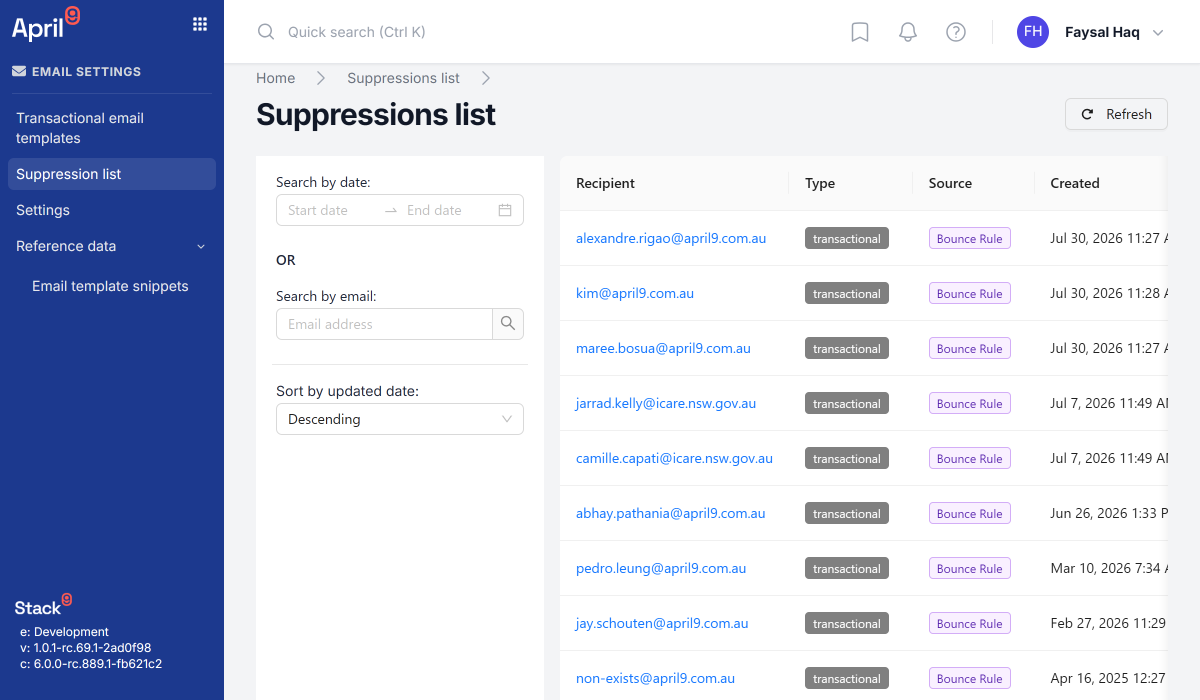
Hard bounces suppress immediately, soft bounces retry, and spam complaints trigger automatic removal — with manual global, list-specific, and time-limited suppressions layered on top for GDPR, CAN-SPAM, and CCPA compliance.
Open and click tracking on every send
Track opens, individual link clicks, and bounces automatically, so engagement data flows straight into the same subscriber timeline used across the platform.
From Template to Inbox
Author a template
Build HTML and plain text content with Handlebars placeholders, save it as a new version, and mark the version active when it's ready to send.
Configure domains & identities
Verify a sending domain with SPF/DKIM/DMARC records, then register the sender identities — from name, from address, reply-to — that campaigns and transactional sends will use.
Send a transmission
Call the Transmissions API with a stored template or inline content, mark it transactional or not, and hand it 1 to 5,000 recipients.
Monitor & let suppression run
Opens and clicks track automatically; bounces and complaints suppress the address without any manual list-scrubbing step.
See Email Infrastructure in Action
From the template editor to a verified sending domain.
One Sending Stack, Not Three Vendor Contracts
Templates, transmissions, domain authentication, and suppression management — pre-integrated with your subscriber data instead of stitched together after the fact.