One Marketing Tenant. Every Brand, Region, and Team — Properly Separated.
Business Units let a single Stack9 Experience tenant support many brands, dealerships, or teams — each seeing and editing only its own pages, campaigns, forms, and files — while shared assets stay governed centrally. Enforced server-side, on every request.
Multi-Brand Without Multi-Tenant Overhead
One tenant, many brands
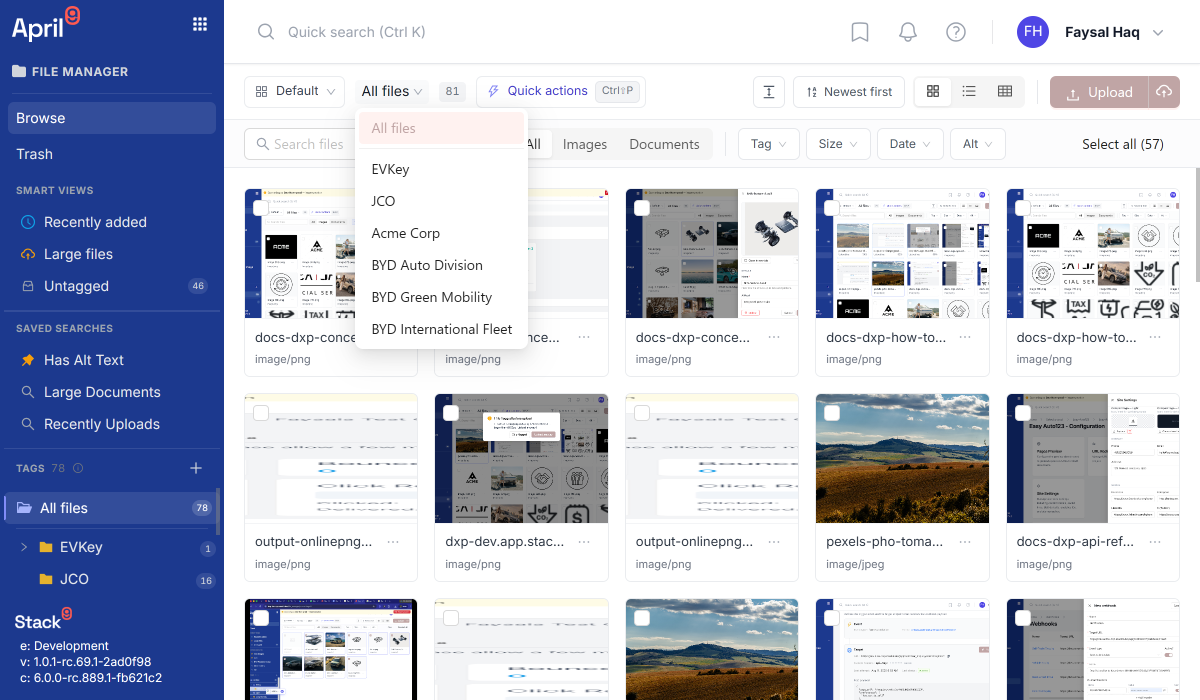
Give each dealership, region, or team its own Business Unit — its own pages, campaigns, forms, and files — without standing up a separate tenant, billing account, or identity setup.
Fail-closed by design
Access is authorized server-side against a user's real, current grants on every request. A tampered or guessed Business Unit id can only narrow what's visible — never widen it.
Adopt incrementally, no flag to flip
Every tenant already has a Default Business Unit and keeps its exact single-tenant behaviour. Creating a second Business Unit is the only "switch" — there is no migration.
Share what should be shared
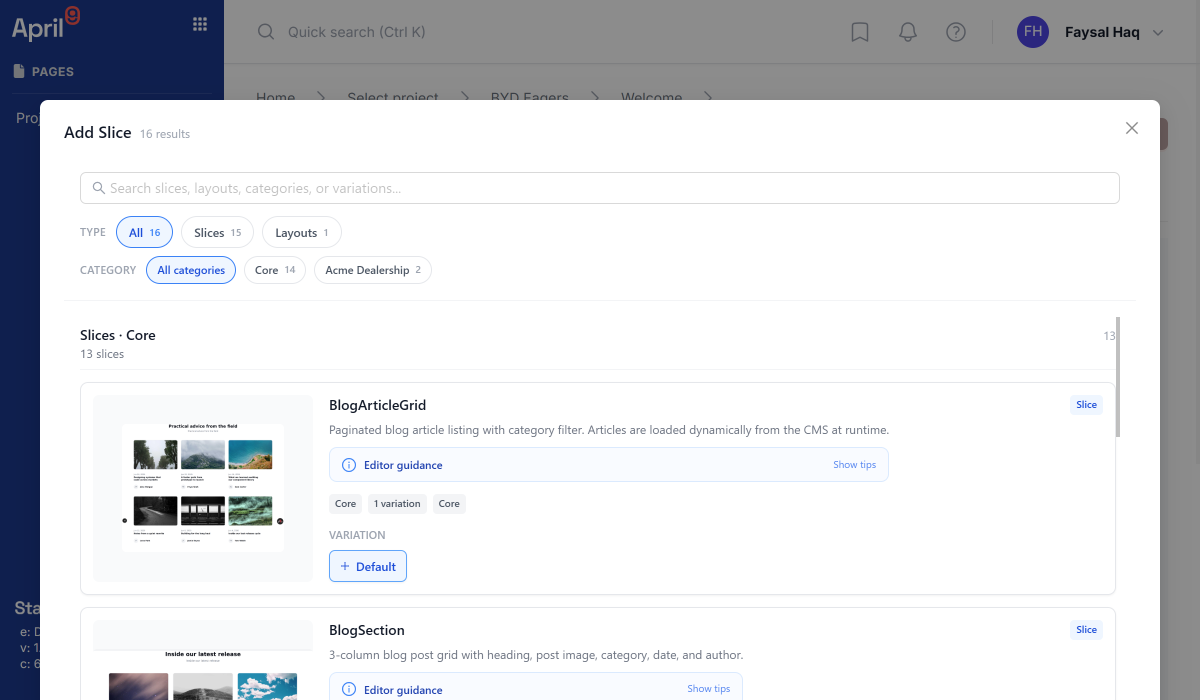
Approved templates, brand assets, and Core Slices stay tenant-owned and readable from every Business Unit, without handing out edit rights to each one.
Core Slice vs. Business Unit Fork
Ship one governed component library tenant-wide. When a unit genuinely needs to diverge, it forks its own copy — which never silently overrides the shared original.
Switch context without switching accounts
A user with reach into multiple Business Units switches their active context from one login. Unsaved edits are protected — never silently saved into the wrong unit.
How Business Units Work
Start with Default
Every tenant already has a Default Business Unit. Nothing changes for you until you deliberately create another one.
Create a Business Unit per brand or team
Stand up an isolated data scope for each dealership, region, or department — its own pages, campaigns, forms, and files.
Grant access
Assign each user the Business Units they need. A Tenant Owner reaches every active unit without needing an individual grant for each.
Work scoped, share deliberately
Day-to-day work stays inside its Business Unit. Tenant-owned resources — approved templates, brand assets, Core Slices — remain available everywhere, opted into Shared on purpose.
See Segregation in Practice
The same account, cleanly divided by brand, region, or team.
Grow Into Multi-Brand Without a Re-Platform
Start on one tenant. Add Business Units exactly when a second brand, region, or team needs its own space — and not a day before.